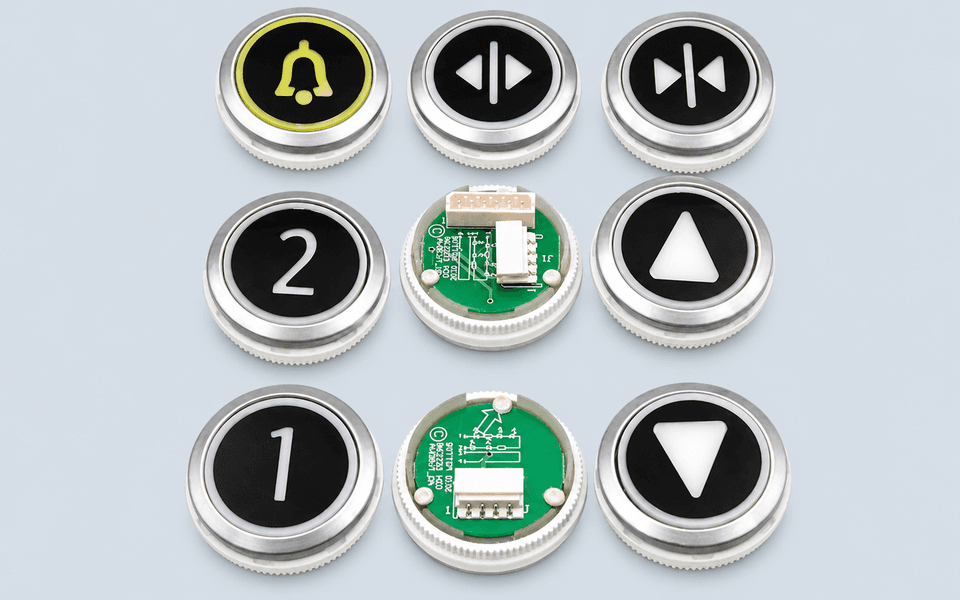
KONE KDS50 & KDS300 Button
KDS50, KDS300
Please add the quotation and send it to us and get in touch with us immediately
- Global service 24/7
- Lowest price for all products
- Best quality with Production Process
- After-Sale Warranty
- Technical Support
Description
KONE KDS50 & KDS300 Button
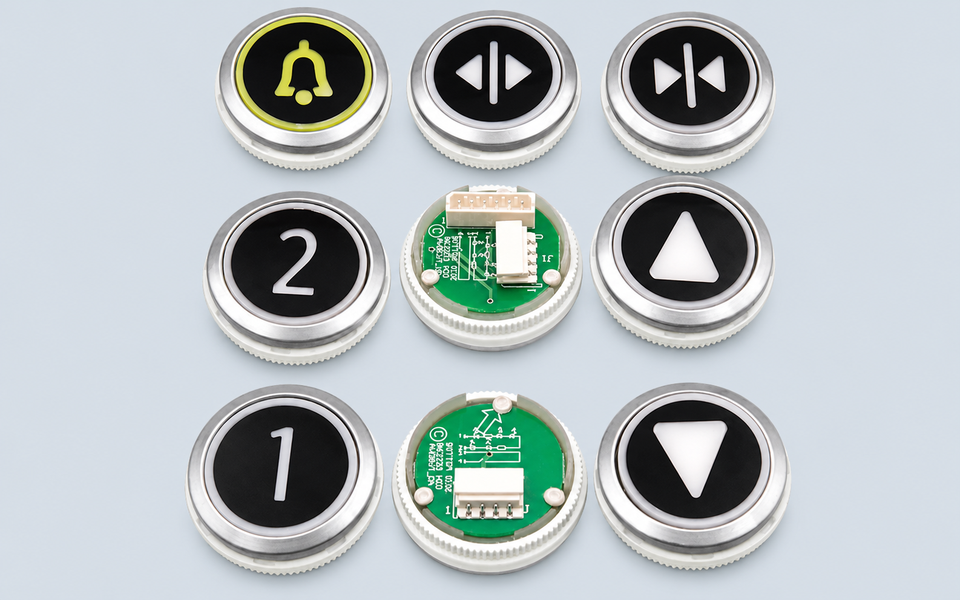
KONE KDS50 and KDS300 are two widely used signalization systems found in compatible KONE elevator installations around the world.
Rather than referring to a single spare part, KDS50 and KDS300 represent complete signalization platforms that include car operating panels (COP), landing operating panels (LOP), LCD displays, dot-matrix indicators, hall lanterns, landing call stations, push buttons, faceplates and related electronic assemblies. KONE officially presents both series as part of its elevator signalization portfolio.
As elevators remain in service for many years, maintenance companies frequently replace only the damaged component instead of the complete operating panel. Correct identification therefore becomes more important than simply recognising the KDS50 or KDS300 name.
Which Component Needs Replacement?
When requesting a quotation, it is helpful to identify exactly which signalization component requires replacement.
Typical spare parts include:
COP display boards
LOP display boards
LCD display modules
Dot-matrix indicators
Hall indicators
Hall lanterns
Landing call buttons
Car operating buttons
Faceplates
Display PCBs
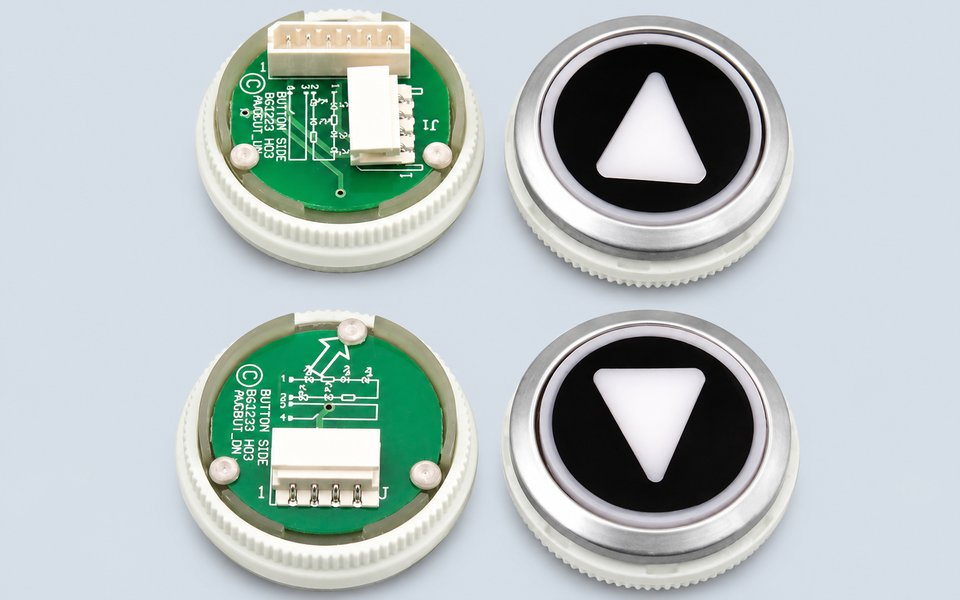
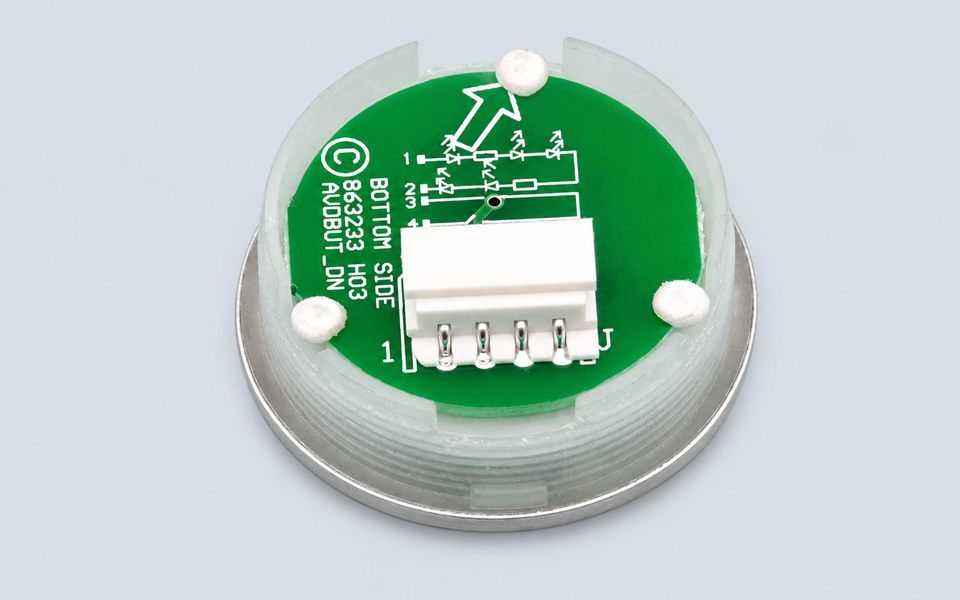
Button PCBs
Complete operating panels
Photographs of both the complete panel and the damaged component are usually much more valuable than a written description alone.
Information That Helps Match the Correct Part
Because KDS50 and KDS300 share a similar design language, two components may appear almost identical while using different connectors, communication protocols or display configurations.
Before requesting a quotation, please provide:
KDS50 or KDS300 identification
complete part number
display or PCB number
illuminated display photo (if applicable)
front and rear photographs
connector arrangement
button layout
panel dimensions
elevator model
installation position
required quantity
For LCD displays, the screen background colour, display size and communication version should also be confirmed. For buttons, please identify the mounting style, button colour, illumination colour, Braille configuration and faceplate finish. KDS300 supports multiple display technologies, including segmented LCD, full graphic LCD and dot-matrix indicators, depending on the panel configuration.
Choosing the Correct Replacement
Many KDS50 and KDS300 spare parts have undergone several production revisions over the years. Even if two panels have similar dimensions, differences in connectors, software generation, PCB layout or communication interfaces may prevent direct replacement.
Before replacing any electronic component, technicians should also inspect:
panel power supply
communication wiring
connector terminals
moisture or corrosion
display cables
button operation
panel grounding
controller communication status
Providing clear photographs of the original installation normally allows faster and more accurate identification.
For maintenance companies in Saudi Arabia, Jordan, Egypt, Iraq, UAE, Kuwait, Brazil, Colombia, Spain and Italy, complete panel photographs together with all visible part numbers are recommended before shipment.
FAQ
Is KDS50 the same as KDS300?
No. They belong to different generations of KONE signalization systems. Although some spare parts look similar, compatibility should always be confirmed using the original part number and panel configuration.
What components are included in the KDS50 and KDS300 systems?
Typical components include COPs, LOPs, LCD displays, dot-matrix displays, hall indicators, hall lanterns, landing call stations, push buttons, faceplates and related PCB assemblies.
Can I order only by the panel photo?
A panel photo is a good starting point, but the complete part number, PCB number, connector arrangement and display configuration should also be provided.
Which display types are available?
Depending on the installation, KDS50 and KDS300 systems may use segmented LCD displays, full graphic LCD displays or dot-matrix indicators.