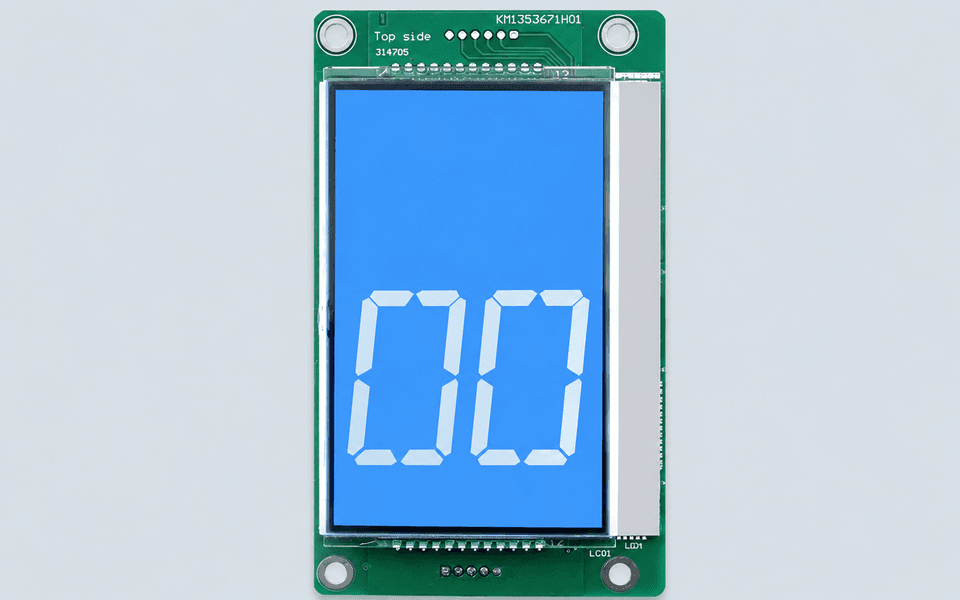
KONE KM1353670G01 KM1373005G01 G11 KM1353671H01 KDS50 LCD Display Board
KM1353670G01, KM1373005G01, KM1373005G11, KM1353671H01, KDS50
Please add the quotation and send it to us and get in touch with us immediately
- Global service 24/7
- Lowest price for all products
- Best quality with Production Process
- After-Sale Warranty
- Technical Support
Description
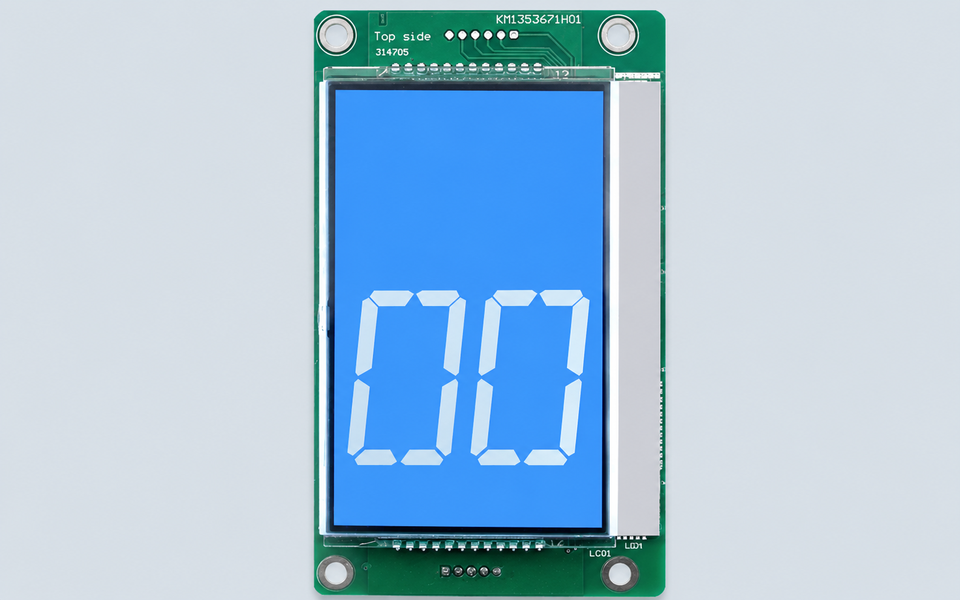
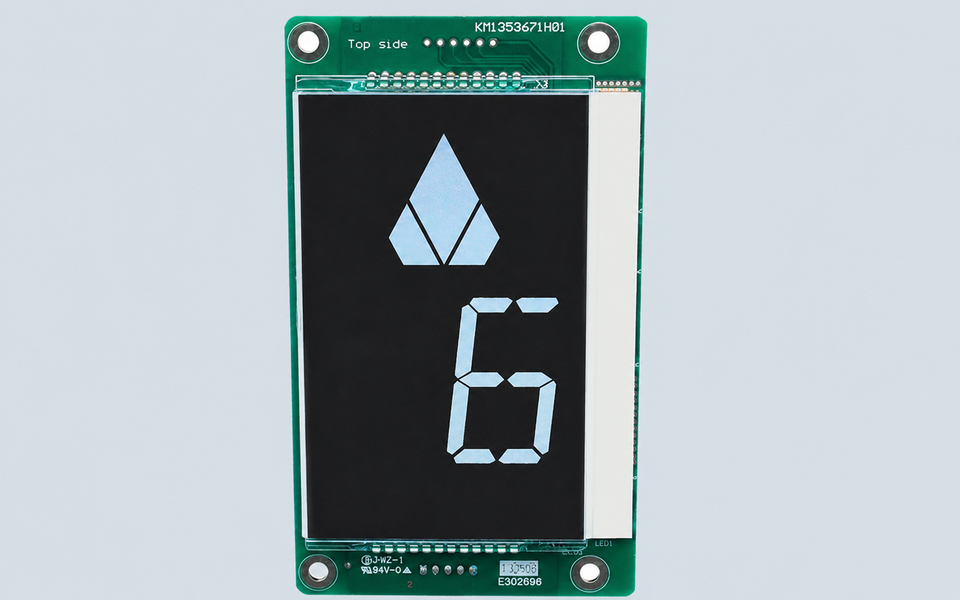
KONE KDS50 LCD Display Board KM1353670G01 KM1373005G01 G11 KM1353671H01
A replacement LCD can fit inside the landing panel and still display the wrong background, symbols, or communication response.
KONE KM1353670G01, KM1373005G01, and KM1373005G11 are LCD display-board references used in compatible KONE elevator landing operating panels. The earlier KM1353670G01 assembly is commonly found together with the KM1353671H01 PCB reference, while later KDS50 versions are frequently identified as KM1373005G01 or KM1373005G11.
These products may also be searched as:
KONE KDS50 LCD Display Board
KONE KM1353670G01
KONE KM1353671H01
KONE KM1373005G01
KONE KM1373005G11
KONE LOP LCD Display
KONE HOP Display Board
KONE 4.3-Inch Elevator Display
Photograph the Screen While It Is Working
For an LCD display board, the illuminated screen provides important information that cannot be confirmed from the PCB alone.
Before removing the old display, take a clear photo showing:
background colour
floor number style
direction arrows
symbols or messages
screen orientation
installation position in the landing panel
KM1373005G01 is commonly supplied as a blue-screen version, while KM1373005G11 is commonly listed as a black-screen version. The old display colour should therefore be confirmed before ordering.
Separate the Assembly Number From the PCB Number
The number printed on the circuit board may differ from the number used for the complete display assembly.
For accurate matching, please provide:
KM1353670G01, KM1373005G01, or KM1373005G11 assembly number
KM1353671H01 or any other PCB marking
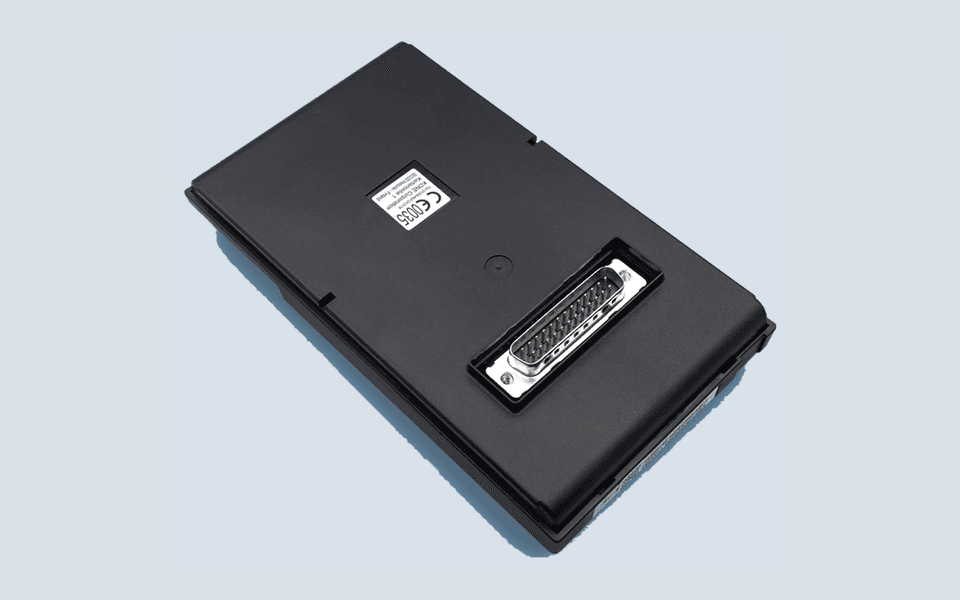
full front and rear photos
illuminated-screen photo
screen dimensions
connector quantity and position
mounting-hole arrangement
LOP or HOP panel photo
elevator controller information
required quantity
KM1353670G01 and KM1373005G01 are often listed as related earlier and later display versions. However, a replacement should not be selected only from this relationship. The connector, screen colour, communication configuration, PCB revision, and panel opening should also match the original installation.
When the Display Is Not the Only Problem
Replacement may be considered when the screen is blank, flickering, missing segments, incorrectly illuminated, or physically damaged.
Before installing another display board, technicians should also inspect:
panel power supply
communication wiring
connector terminals
plug condition
cable damage
controller communication
moisture or corrosion inside the panel
A power or communication fault can produce symptoms similar to a failed LCD board.
Installation and functional testing should be completed by qualified elevator technicians. The floor indication, direction arrows, display brightness, and panel communication should be verified before the elevator returns to service.
For maintenance companies in Saudi Arabia, Jordan, Egypt, Iraq, UAE, Kuwait, Brazil, Colombia, Spain, and Italy, an illuminated-screen photo together with clear pictures of all visible part numbers normally provides enough information for preliminary matching.
FAQ
Is KM1353671H01 the complete ordering number?
Usually not. KM1353671H01 is commonly found as the PCB reference on the earlier display board, while KM1353670G01 is used as the related assembly number.
Can KM1373005G01 replace KM1353670G01?
Some replacement-parts references list KM1373005G01 as the later replacement for KM1353670G01. Direct installation should still be confirmed according to the screen colour, connector, panel configuration, and elevator system.
What is the difference between KM1373005G01 and KM1373005G11?
The commonly listed difference is the display background: G01 is generally supplied as a blue-screen version, while G11 is generally supplied as a black-screen version. Other hardware or configuration details should also be checked.
Is this a COP or LOP display?
These references are most commonly marketed as LOP/HOP external-call LCD displays, although some suppliers use broader COP/LOP descriptions. The original installation position should therefore be confirmed from the panel photo.
What photos should I send before quotation?
Please send one illuminated-screen photo, the complete front and rear PCB views, close-ups of every visible number, the connectors, and the complete landing panel.