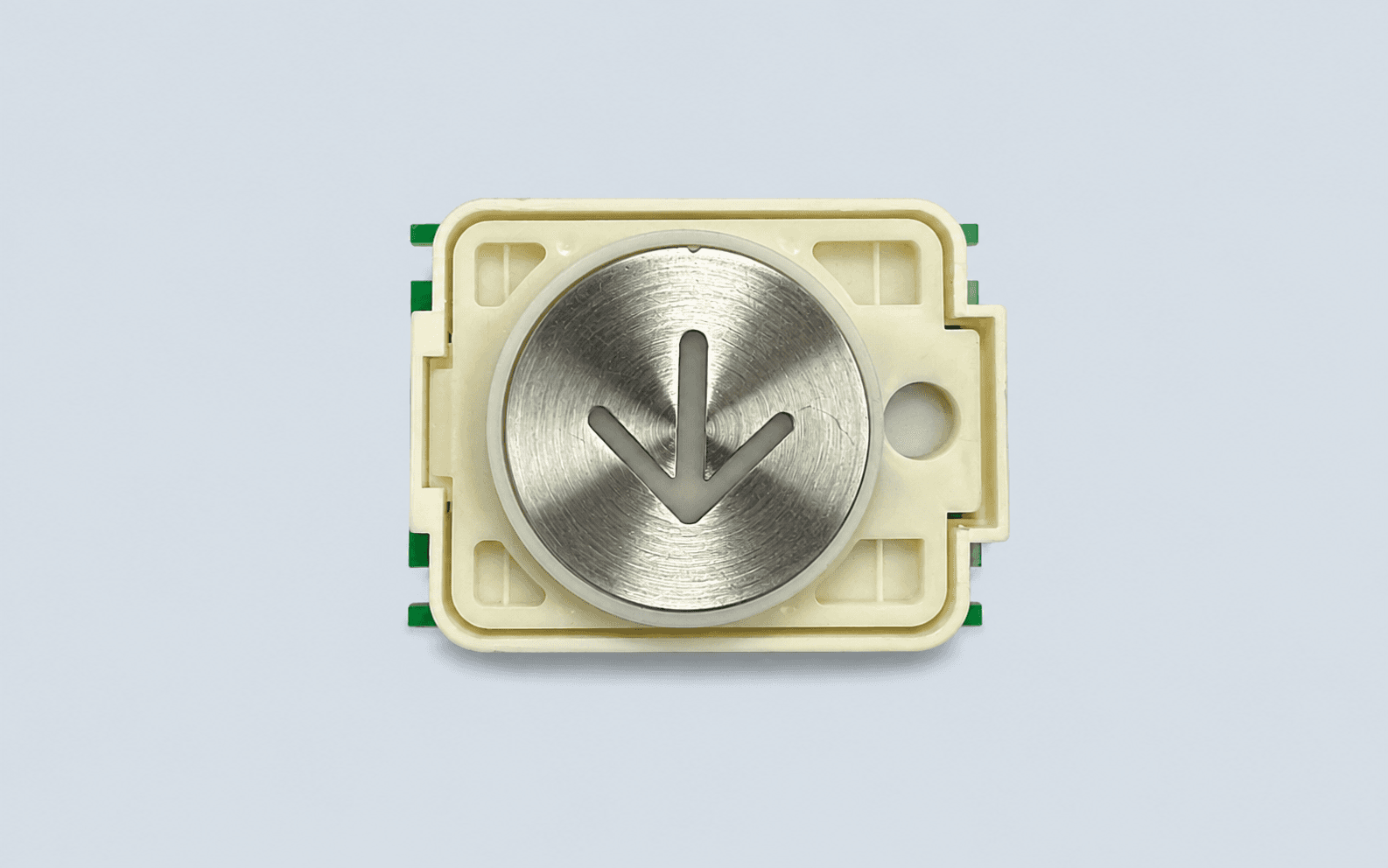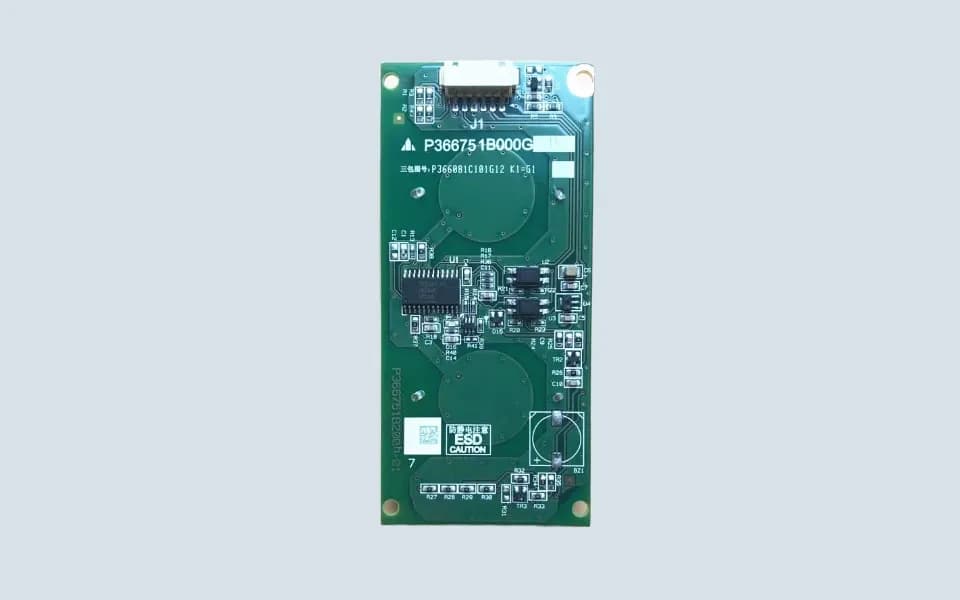
P366751B000G31 Mitsubishi Touch Button
P366751B000G31 P366751B000G13 P366751B000G11
Please add the quotation and send it to us and get in touch with us immediately
- Global service 24/7
- Lowest price for all products
- Best quality with Production Process
- After-Sale Warranty
- Technical Support
Description
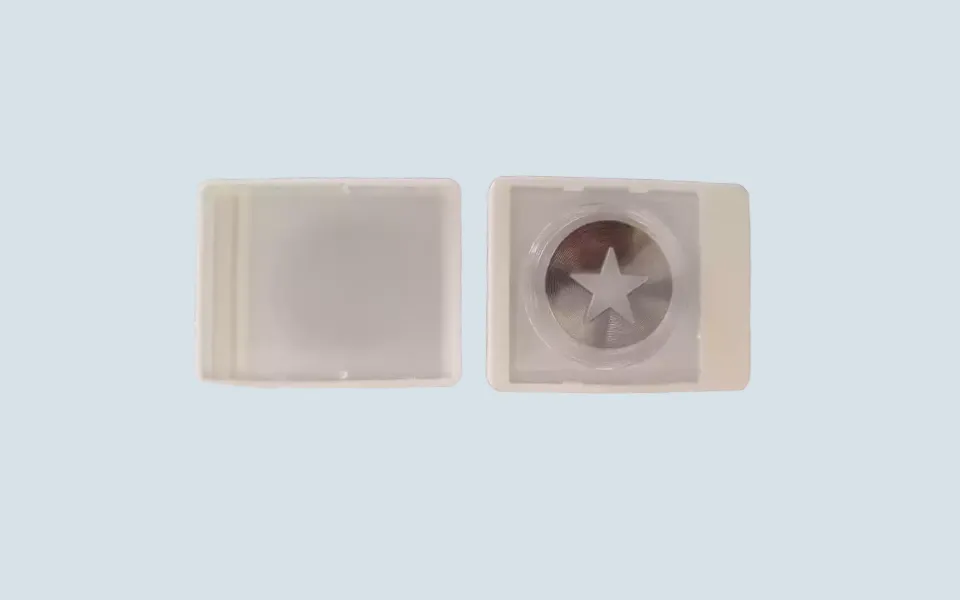
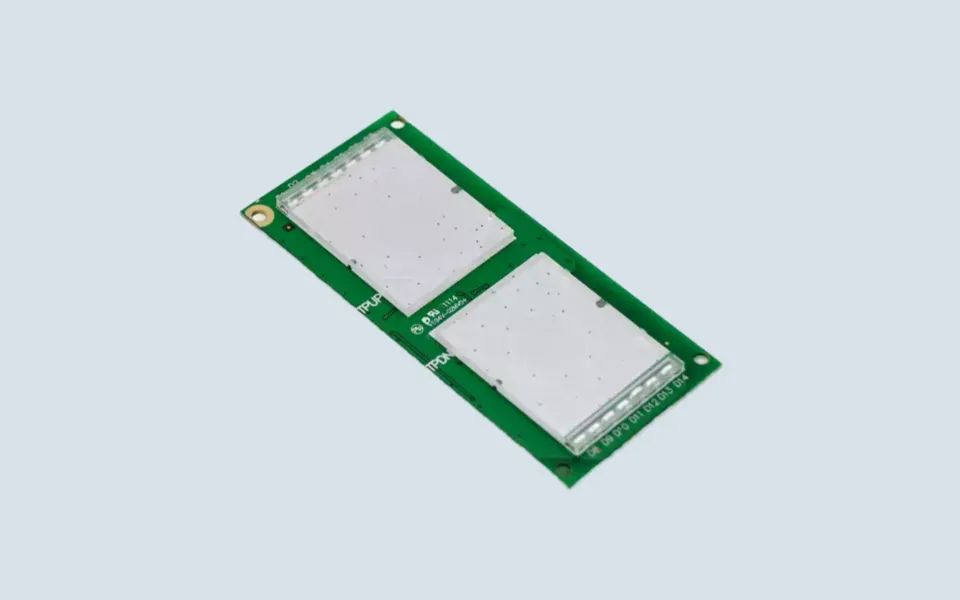
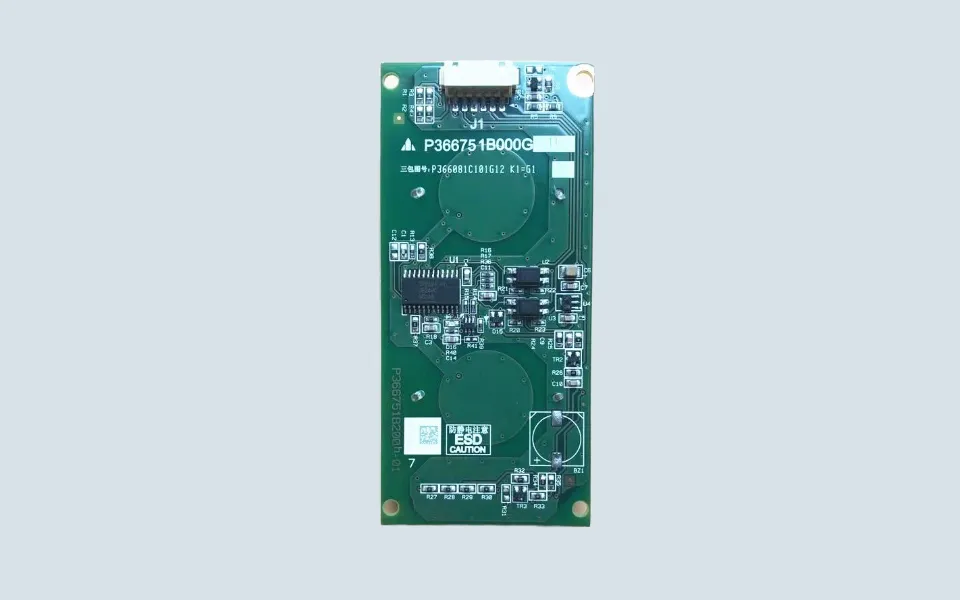
Mitsubishi Touch Button P366751B000G31
Mitsubishi Touch Button P366751B000G31 is used in Mitsubishi elevator button panel and touch call button applications.
This part may be related to elevator landing call panels, external call panels, or touch-style button board assemblies depending on the original elevator configuration. In the elevator spare parts market, it may also be searched as:
- Mitsubishi Elevator Touch Button
- Mitsubishi External Call Touch Button Board
- Mitsubishi Elevator Button Board
- Mitsubishi Elevator Touch Button Board
- Mitsubishi LOP Touch Button
- Mitsubishi Hall Call Touch Button
- Mitsubishi Elevator PCB Button Board
The main model reference for this page is:
- P366751B000G31
Related market references may include:
- P366751
- P366754B000G11
- P235762B000G31
- P235762B000G33
- P235762B000G23
- P235762B000G03
- P235762B000G01
These references are useful for search coverage and customer inquiry matching. However, they should not be treated as automatically interchangeable without checking the original button board label, connector layout, panel structure, and elevator system configuration.
Touch Button Application
P366751B000G31 should be understood as a touch-style elevator button or touch button board reference, not a traditional mechanical push button.
A buyer may call it a touch button, external call button board, LOP touch button, hall call button, or Mitsubishi elevator button PCB. These names may point to the same application area, but the correct part still depends on the old unit marking and installation position.
This type of button may be checked when the elevator has issues such as:
- touch button not responding
- external call signal abnormality
- button indicator not lighting
- intermittent hall call response
- touch panel signal failure
- connector or wiring problem
- visible PCB damage on the button board
These symptoms may also be caused by the landing panel wiring, power supply, connector terminals, button board circuit, or controller-side signal line.
What Buyers Should Confirm
Before ordering Mitsubishi Touch Button P366751B000G31, please check:
- Complete P366751B000G31 marking
- Whether P366751, P366754, or P235762 marking appears on the old unit
- Front photo of the touch button or panel
- Back photo of the button board
- Connector quantity and direction
- Panel installation position
- Whether it is used in LOP, HOP, or external call panel
- Existing button fault description
If the old label is unclear, a complete photo of the landing panel or external call panel is usually more useful than only providing the elevator model.
Practical Replacement Notes
Do not select this touch button only by front appearance.
Mitsubishi touch button boards may look similar from the outside, but the rear PCB, connector layout, signal definition, touch area, lighting method, and panel mounting structure may be different.
Before installation, technicians should compare the old and new unit carefully and check the wiring harness, connector oxidation, power supply condition, and related call signal circuit.
For overseas buyers, sending clear photos of the original P366751B000G31 touch button from the front and back side is the safest way to reduce wrong supply.